
If you have tried converting a video from one format to another, you would know how slow the process is. Usually it takes hours to transcode a video into another format. This process uses a lot of CPU power to do this but did you know that you can also use the GPU’s power ?

Video encoding is a CPU intensive process that can take a lot of time depending on the codec, size and quality of a video. CPU’s with more cores work faster since they can process multiple threads simultaneously. The power of you GPU is much higher than that of the CPU, since they can handle thousands of processes simultaneously !
AMD and Nvidia have a API which allows GPU’s to run code written in C. So lets use software that use the GPU to convert videos.
Nvidia Users
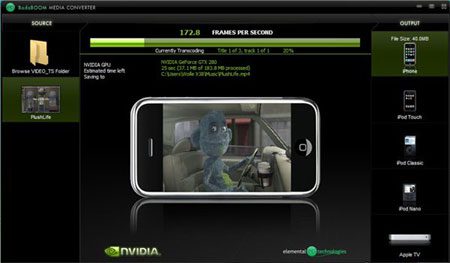
Nvidia’s parallel computing architecture is called CUDA and is supported by GeForce 8+. The only transcoding software that currently supports it is Badaboom Media Converter. This software is not free but there is a trial version available.
AMD Users
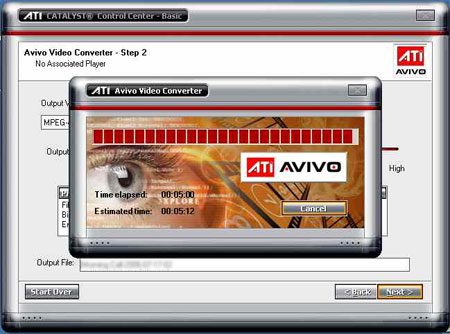
AMD’s parallel computing architecture is called AMD Stream and is supported by Radeon HD 4000. AMD users can use Avivo Video Converter, this software is available for free on their website.
Know any free software that Nvidia users could use ? Any tips ? Leave a comment & share !
via Chip




Ok, no tips here or recommendation. But I would like to give props to you for the share. I still don’t know how I can take advantage of this but I’ll figure something out. LOL
I chanced upon your blog and found it very informative. The event blogs are striking enough to have a feel of the event, so, I would like to have a little chit-chat on your blogging interests. And even we are coming up with an event on startups on June 6th in Bangalore. So, can I have your contact details? Looking forward to hear from you.
Its comments like these that keep me blogging :D
Thanks for the encouragement.
Keep it coming Alfred.. Will now read your new post.. Text-to-speech, now there’s something I know what to do with. :D