
 Sites like Facebook, Flickr, Picasa and others have made people put an alarming number photos online. These photos are usually touched up or at the least cropped before posting. Everyone knows that the best photo editor is Adobe Photoshop while GIMP is the best opensource option. Most users will never use or bother to learn all the commands available in Photoshop. For basic touchups, online photo editors provide all the tools you could ever need.
Free Online Photo Editors
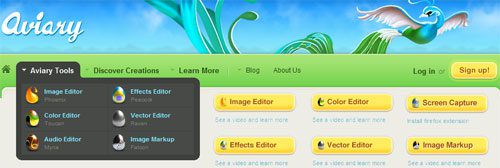
Aviary
This is my personal favorite ever since it was in open beta. Aviary is actually a suite of applications, Pheonix being the photo editor. There are also color, vector, effects and audio editors along with an image markup application. There is a community that loves sharing pictures that they created / edited using Aviary photo editor.
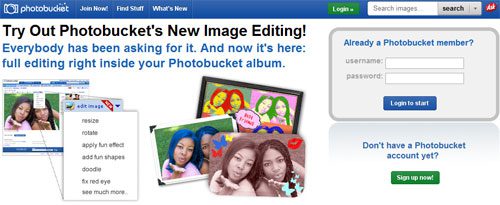
Photobucket is a very popular photo sharing site that comes with a lot of sharing options. They also allow you to make slideshows from your photos and upload photos directly from your phone. You can crop, flip and rotate images. Touchups like removing blemishes, smoothing out wrinkles, adding fun shapes and color effects are available.
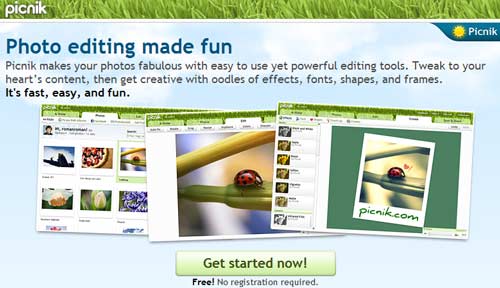
This photo editor allows you to do most of the basic functions like cropping, rotating and resizing. Picknik has many filters and one click photo effects and fixes to quickly fix images . They also allow you to import photos directly from many photo sharing sites. No registration required.
FotoFlexer
FotoFlexer is yet another feature rich online photo editor. It allows importing from photo sharing sites. Allows easy retouching of photos, with lots of shapes, fonts and doodling. Many photo effects to play around with too.

FlauntR
A online click photo editor, choose from cool digital frames and effects to your photos. The effects are in FlauntR are professional looking and previously were only available to photoshop experts.

This online photo editor doesnt not even have a homepage ! Just upload a photo and start editing. All the basic tools needed to edit are available. Dont be fooled by the looks of the site. Browse to the menu and you will be amazed at the number of effects and options available.

FunPhotoBox
Another one click photo effects site. It can take your photo and merge it with backgrounds and many other effects. Also has option to add your image to cards, magazines and other unique photo effects.
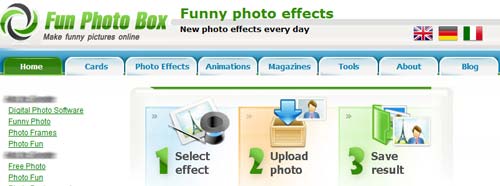
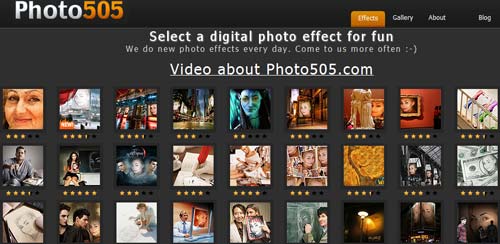
Yet another one click photo effects site. Ever more options and effects for you to choose from. The avatar effect looked quite nice. Your image on a Navi. Lots to explore here again.
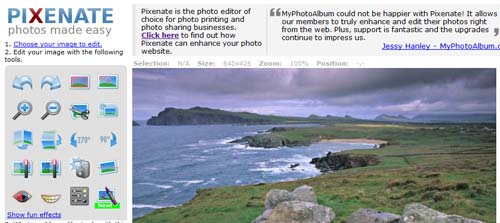
A basic photo editor, allows normal uploading from your computer to edit photos. Its also allows you to just give the url of an image on the internet. Pixenate will get the photo loaded directly.
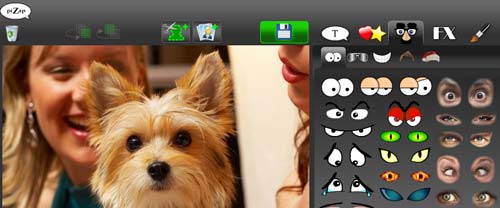
Self proclaimed as the worlds easiest photo editor, it couldnt get simpler. No complicated effects or tools here. Just simple tools and lots of accessories to play around with. Makes for very funny photos.
If you dont mind installing an easy to use photo editor, then check out Picasa.
Dont forget to bookmark and share this post !




Thanks for sharing such a useful information. I am definitely going to consider it next time.
thank you so much for this info – picnik is def very very FUN! :D speaking of pictures, can windows 7 picture folders be made to have the 4 thumbnails on them like xp picture folders do? thanks again! :))
not really sure about win 7, i only run Vista but if I do find a way to do that, will send you a link
Again thanks for the feedback Rach
Hi, I’m the developer of photofunny.net,I’d like to show it to you! You can make funny phot effects, put backgrounds to your photos, create animations online and free. Take a look!
Thank you for making this post, I’ve looked through several of the blogs and it has been very helpful. Thank you for your efforts!
I found PhotoDekho’s Free Online Photo Editor to be the best by far. Just try it .
Thanks for giving your ideas on this blog. Furthermore, a myth regarding the finance institutions intentions when talking about property foreclosure is that the bank will not have my installments. There is a fair bit of time in which the bank requires payments in some places. If you are also deep inside hole, they will commonly demand that you pay that payment in full. However, that doesn’t mean that they will not take any sort of installments at all. If you and the traditional bank can find a way to work a little something out, your foreclosure practice may end. However, in case you continue to skip payments within the new strategy, the property foreclosures process can pick up exactly where it left off.