
 Xmarks is a service that allows you to sync you browsers bookmarks with other browsers or computers. This is a very useful tool, when you are in a remote location and need to access a bookmark from your computer. Just install Xmarks, login to your account and watch as it sync’s the bookmarks you had on your computer.
Everytime you make a change to your bookmarks, Xmarks will sync and make a backup on its server. This backup can then be restored on other computers you may want to use. It also supports profiles so that you can have different sets of bookmarks for your office and home.
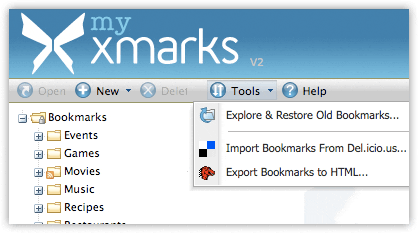
You can also view and edit your bookmarks directly from the browser by going to my.xmarks.com after login.
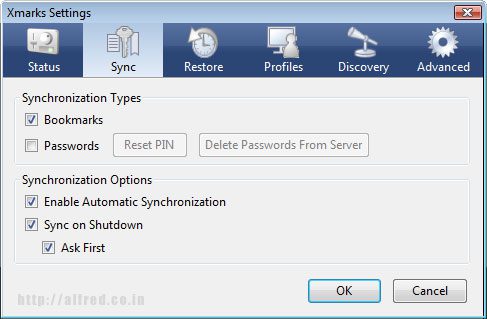
Xmarks also allows you to sync saved passwords (in browsers) between different computers. This is optional and secure.
Another feature of Xmark (which I didn’t like) was Discovery. This feature edits your search results in Google and shows you the top pages that other people have bookmarked. It also shows you similar sites and info about each site. This feature can be turned off.
Currently the browsers Firefox, Internet Explorer and Safari. There is news that an alpha build for Chrome is on its way. I have only installed the FireFox addon for Xmarks as its gets the job done for me.
Try Xmarks




intersting one
Any idea if they fixed the glitch that was freezing firefox a few weeks ago?