
 My offices uses a shared folder on the network to keep reports and data, so that everyone can access it easily. Now, there are some mischievous staff who like to delete files when they didn’t complete their work. So, after a little googling, we found this freeware called monidir.
MoniDIR 2000 is a free folder monitoring software that can track file additions, deletions and changes made to folders on your computer. The program allows a maximum on 20 folders to be monitored at the same time.
Whenever any changes are made to these folders a screen will notify the user of the change that was made. It can also play a wav file or email you the notification.
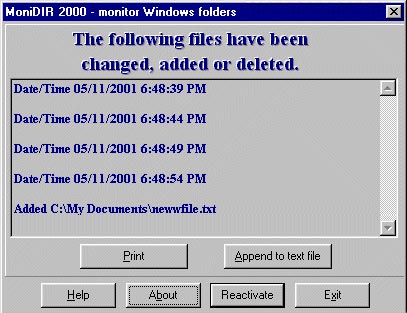
The program is very compact only 550kb. It stays in the system tray and only starts when you have set a time interval for the software to check the folder.
In case you need to monitor files on the network you can check out Directory Monitor.
Download :
MoniDIR 2000




tytrytrytrytry