
Just browse a few websites and its almost certain you will find some spyware on your computer. Here is a free and easy way to protect yourself !
 Returnil Virtual System enables you to run a temporary copy of your operating system in RAM, and automatically undo all changes made to your system partition once you reboot the computer. The program allows you to install and test new software or system configurations and then simply reboot to restore your original system.
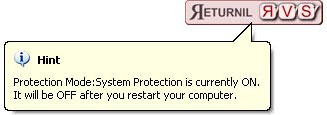
Any files that you want to save permanently while the protection is active, should be saved on a separate partition or drive – otherwise they will be lost after reboot. Returnil can be activated from the system tray and can also be used for temporary Internet privacy as all Internet traces are lost as well after rebooting the PC. (I deleted my “Program Files” folder and it was restored on reboot ! )
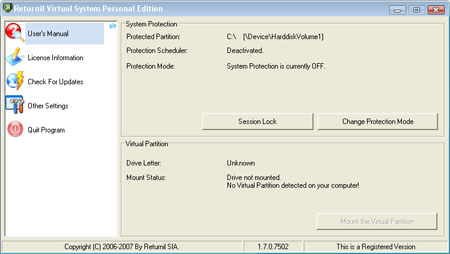
Please note that Returnil only protects you system partition (C:). You can save files to your other drives and the changes will not be lost. The footprint is small, system resource usage is minimal and stability doesn’t seem to be an issue.
Note :- I recommend you click the Skip button when asked to make a virtual drive and uncheck the toolbar option while installation.
Free Download here




Thanks Alfred – Very useful info. I tried Returnil Virtual System and this software rocks. Great and must have layer of PC defense.