
When I got my solo flight, there were many pictures and I decided to combine them into a video with some music to match. While I got it done in Cyberlink Power Director, there are free options like Slide.
Animoto produces music videos using photos easily. Once you choose a song, Animoto will check the beats and produce a video with effects that match the song. Each video is completely unique.
Animoto allows you to add the videos to Facebook and Myspace accounts. You can also download the video and later upload it to Youtube for sharing with others.

The video uses between 25-40 images per minute. Jpeg and Gif formats are supported with a maximum size of 5mb per photo. Incase some images needs more attention, Animoto has a image spotlight feature which can help.
Incase you did not like some part of the video that was produced, there is “one-click remix” button than will make a new video for you without having to redo the whole process.
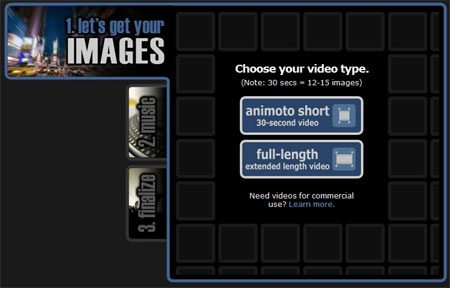
The only downside is a 0:30 time limit for free users. For 3$ you can have this restriction removed for one video. Give animoto a try or watch the sample video on their website. You will be impressed !
Try Animoto here




